A place for every stop.
Dates, ordered stops and private notes. Keep the details together as your trip takes shape.
Plan your tripGo further with what you already have
Your parks. Your passes. Your next few days.
Bring them together in Parkspan.
 Available on Google Play
01 / From a pass to a plan
A national pass for the big trip. A state pass for weekends nearby. Work out what fits the places you actually want to go.
Add the passes you own. Discover places with documented benefits, from a national park on your wish list to a state park closer to home.
Bring national parks, state parks, campgrounds and other recreation destinations into the same itinerary. Save stops on a map and check recorded facilities before you go.
Compare estimated fees with the passes you own and eligible passes you could buy. See how national and state passes fit the same trip, with conditions and missing information kept visible.
An illustration of the workflow, not a live route or coverage result. Estimates use dated information. Camping, reservations and other fees are not automatically covered.
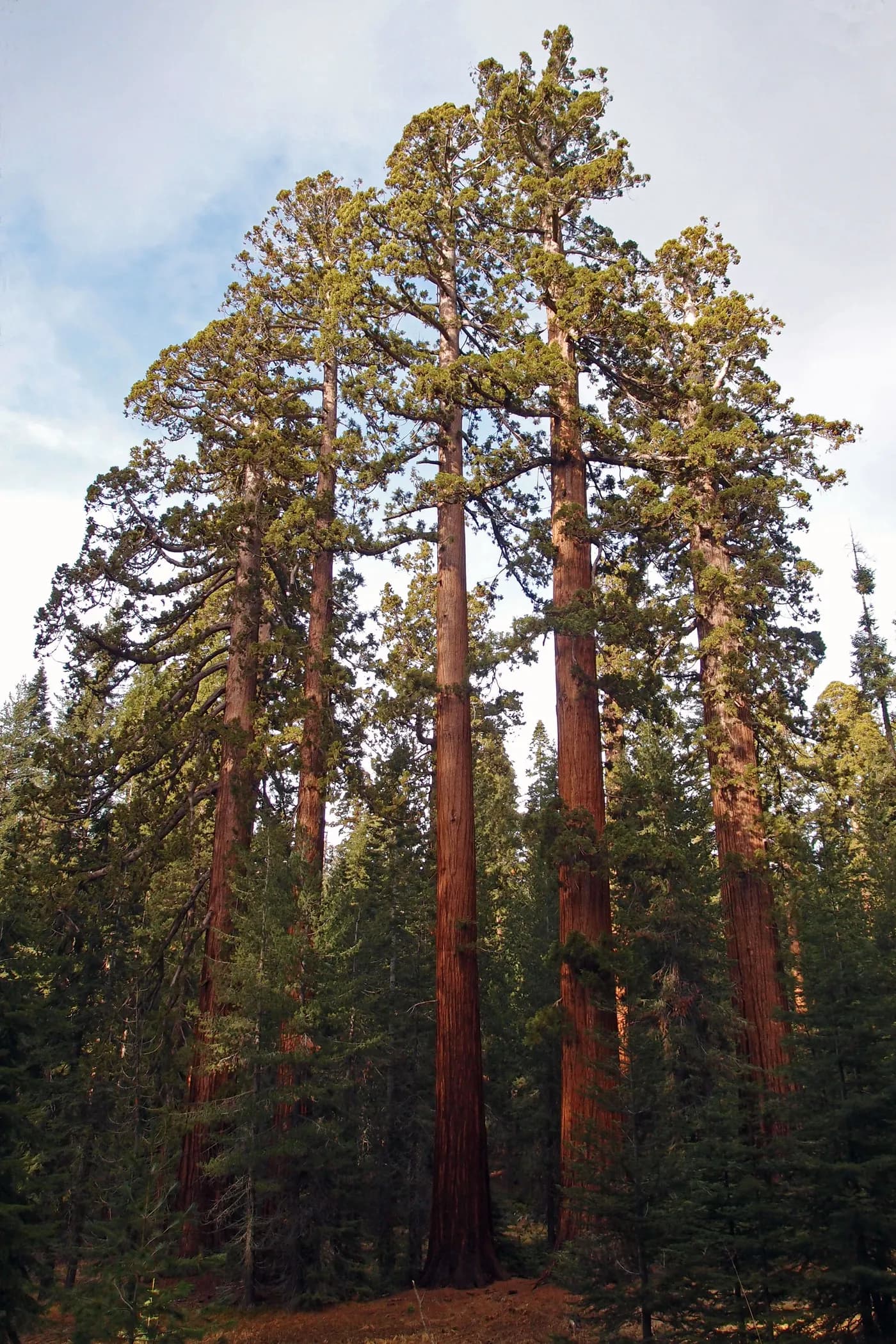 Mariposa Grove · Yosemite National Park
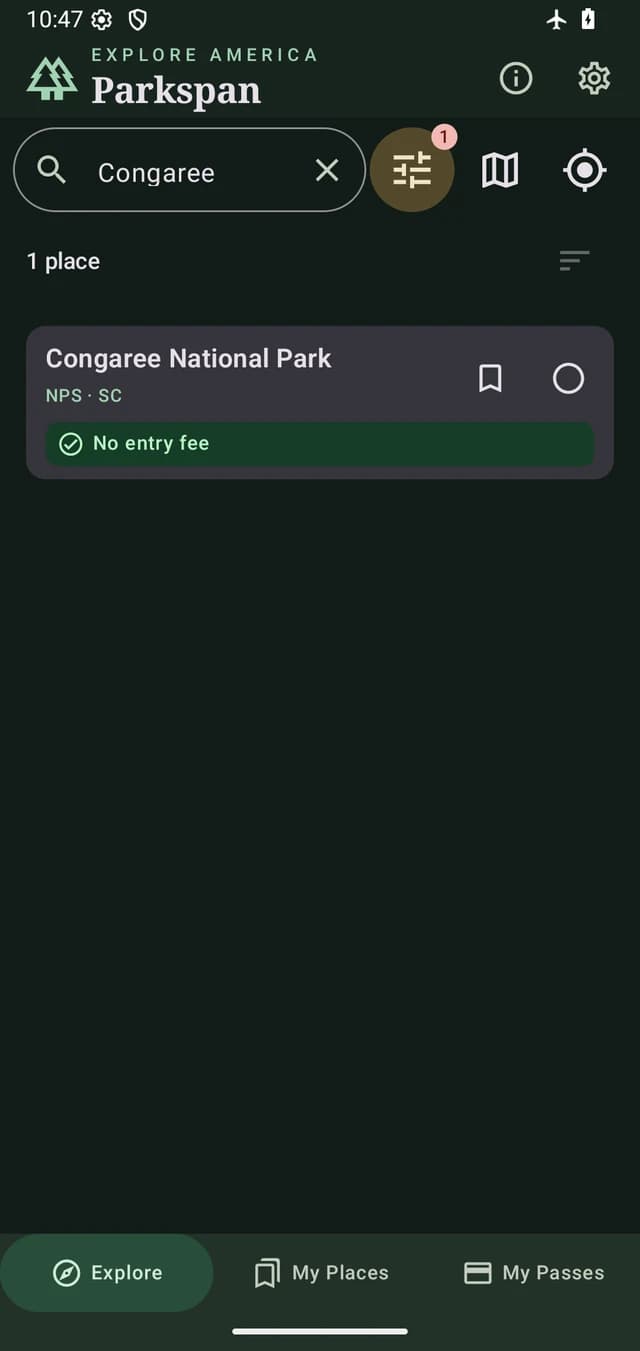
Search the catalog. Save a place worth the detour.
Screens captured in 0.6 beta · Illustrative test records
 Yosemite National Park · National Park Service
03 / Take the plan with you
Download selected map areas before you leave. Your bundled catalog, saved places, trips and pass wallet stay close—even when the connection doesn’t.
Get ready to go offlineSpace for the details
Dates, ordered stops and private notes. Keep the details together as your trip takes shape.
Plan your tripKeep private reference photos, see expiry dates and choose local reminders. Carry the official pass when you travel.
Know your walletPersonal records stay on your device. Pass photos are encrypted. Maps and remote photos connect to their providers; you choose when to export or share.
Read about privacyThe field notes
All implemented Parkspan features are free, with no ads or subscriptions in the app. Park entrance fees, official passes, reservations and mobile data charges are separate.
Parkspan is available on Google Play. Check the channel details before installing a direct APK. See the download page for installation and backup guidance.
The app currently supports Android 11 and newer. You can browse this website on an iPhone, iPad or computer, and an iPhone version is coming soon. No release date has been announced.
The bundled catalog, saved places, trips and pass wallet work offline. Download a selected map area before you leave. A download covers an area around a chosen point, not necessarily the whole park or the roads between stops. External links and uncached full-size photos may still need internet.
No. The wallet keeps a private reference copy. It does not issue or validate a pass, and a stored photo does not establish acceptance as an official digital pass. Carry the pass and identification required by the destination.
Parkspan uses dated, sourced information with some coverage gaps. It does not provide live closure alerts or an all-clear for travel. Check the destination's official information for current access, reservations, fees and eligibility.
Personal records stay in app-private storage, and pass photos are encrypted with a device-held key. Maps, remote photos and optional public-data updates make network requests to their providers. Backups and support reports leave the app only through actions you choose.